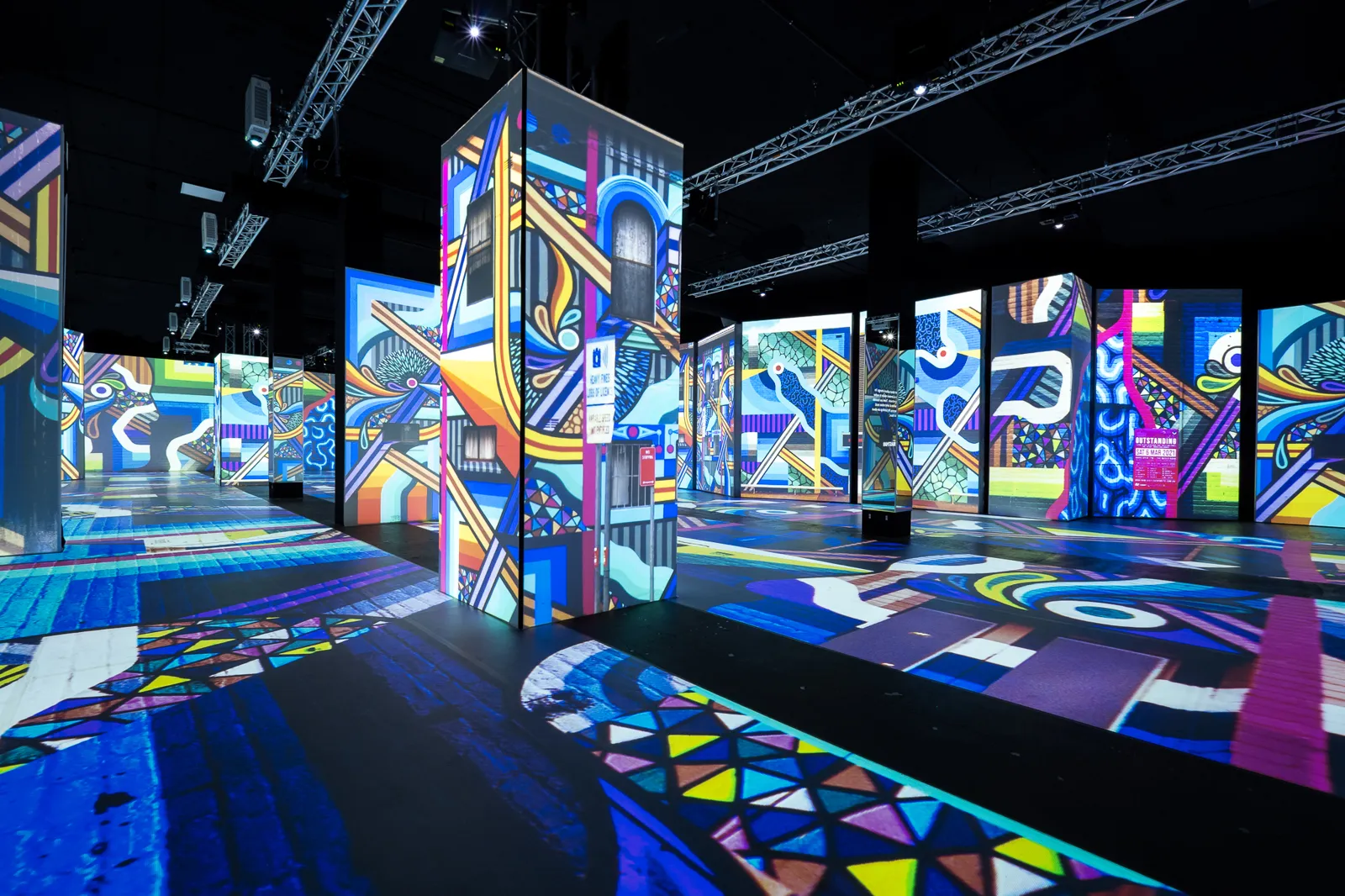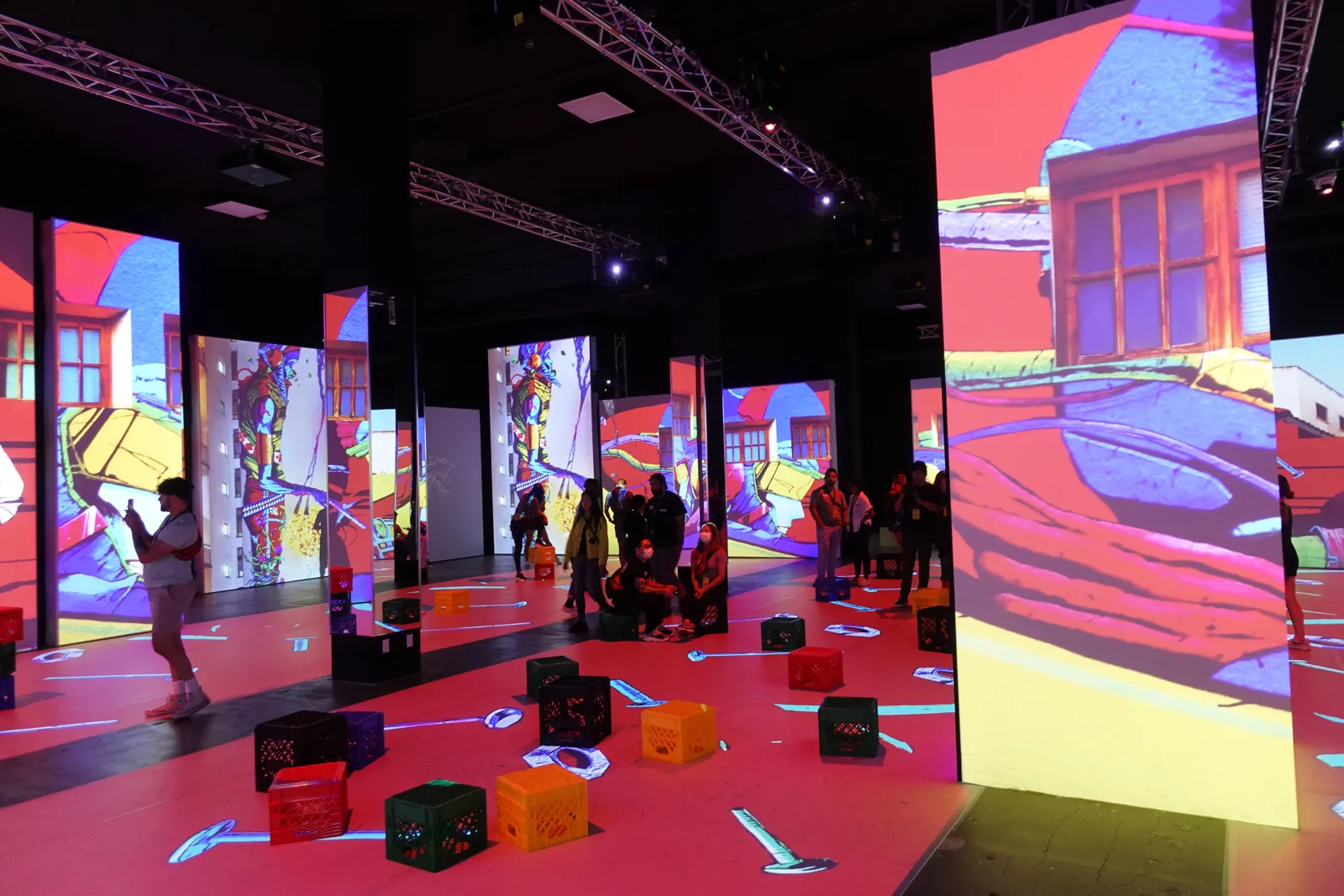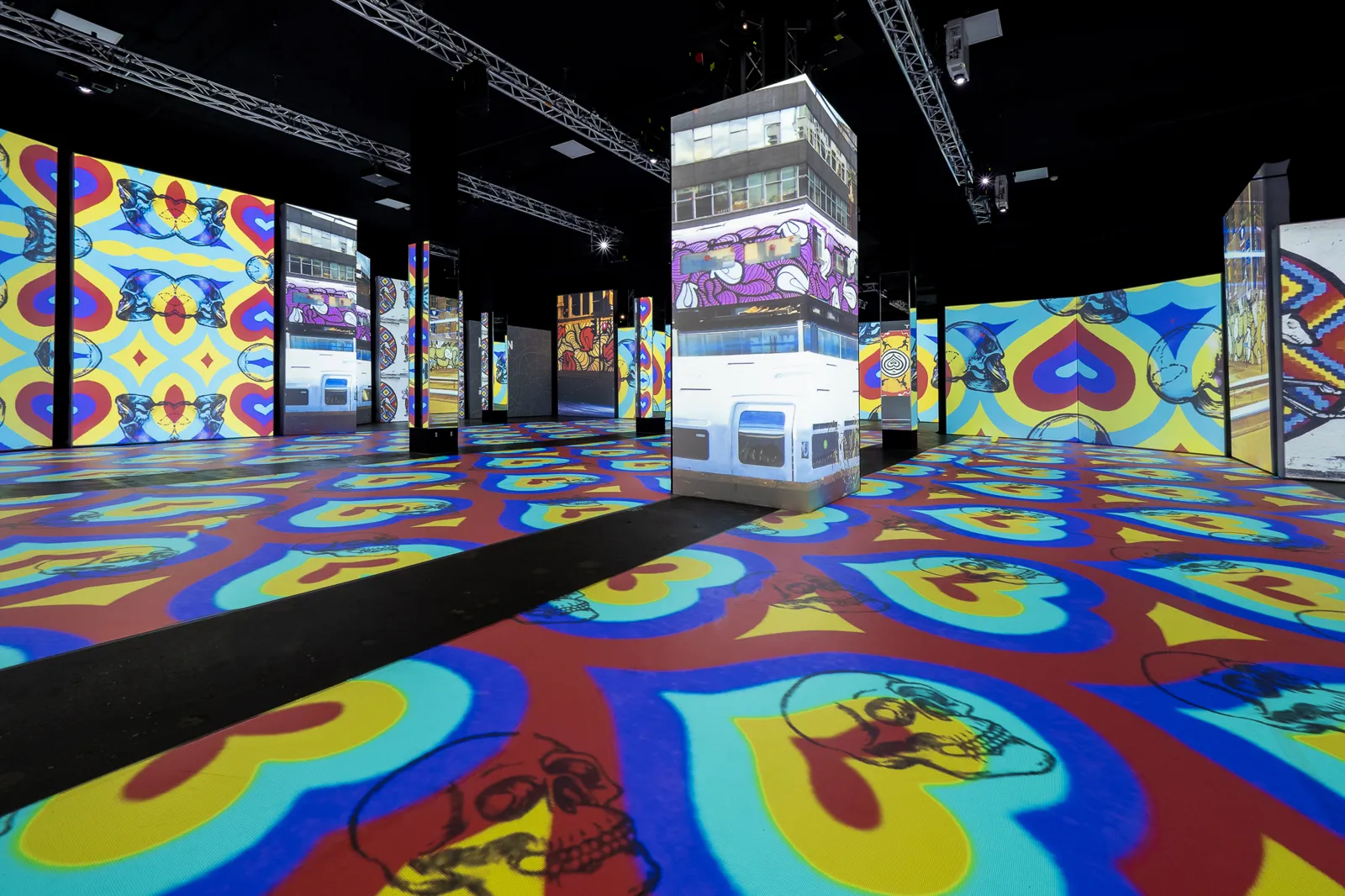
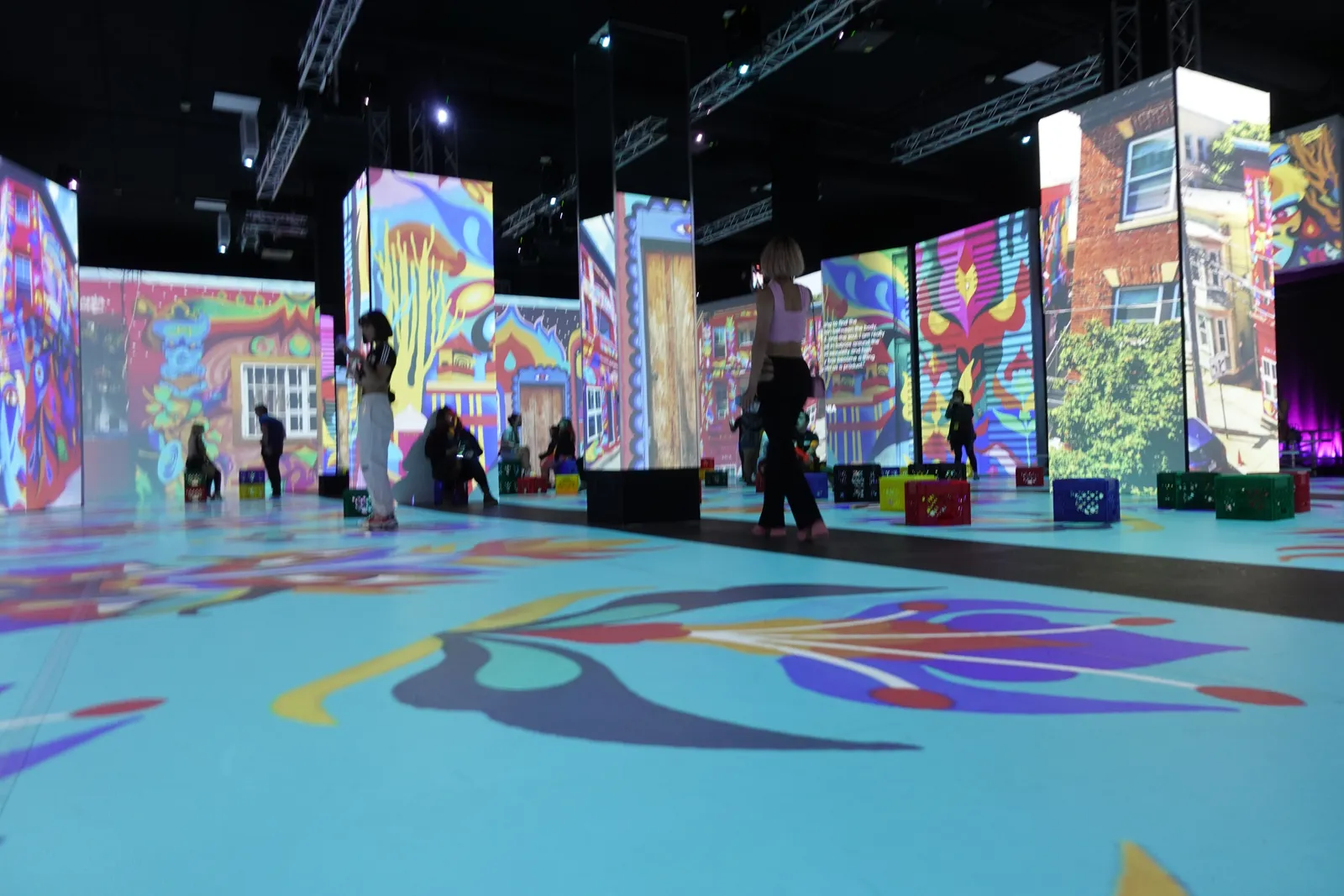
Most venues have a brochure. Fewer have one that a planner can use to make a decision. The typical venue PDF is 20 pages of beautiful photos that never mention capacity by layout, leaves out pricing entirely, and was last updated two renovations ago.
A good sales kit does the opposite. It answers the questions planners ask before they book a tour, so your coordinator stops typing the same answers into every email and the inquiries that do come through are already qualified.
What Should an Event Venue Brochure Include?
An event venue brochure should include a short description of who the venue is for, strong photos of each space set for real events, capacity by layout, floor plans with dimensions, a starting price or package range, what is included and what costs extra, catering and vendor policies, and one clear next step with direct contact details. Keep the core brochure to roughly 6 to 12 pages.
The Core Pages of a Venue Brochure
A brochure works best when each page answers one question in the order a planner asks them.
Cover and opening page
Use your strongest hero photo and one sentence on who the venue serves, such as a creative event space for brand activations, conferences and celebrations of 50 to 600 guests. That sentence filters out the wrong inquiries before they reach your inbox.
Space pages
Give each space its own page with two or three photos, square footage, ceiling height, capacity by layout (seated dinner, theater, reception) and a floor plan with dimensions. Planners use this page to decide if their event physically fits.
What is included
List what comes with the rental, such as tables, chairs, basic AV, setup and breakdown time and on-site staff. A clear inclusions page prevents most of the surprise questions that come up at contract time.
Pricing and packages
Show starting prices or package ranges by event type and day of week. Many venues prefer to keep detailed pricing on a separate sheet so the brochure lasts longer, but at least one starting figure should appear in the brochure itself.
Policies, vendors and next step
Summarize catering rules, preferred or required vendors, curfew and deposit basics on one page. Close with a named contact, direct phone number and an invitation to book a tour.
The Supporting Pieces of a Venue Sales Kit
The brochure is the centerpiece, but the full sales kit is a folder of documents your team can attach to any conversation.
- A dated pricing sheet by space, day and season
- Floor plans and layout diagrams for each common setup
- A technical sheet covering power, rigging, Wi-Fi and AV
- A preferred vendor list with catering and rental partners
- A one-page FAQ covering parking, load-in and accessibility
Corporate and production clients will often ask for a certificate of insurance requirement summary and a sample event timeline too. Keep both ready as one-page documents.
Build Versions by Event Type
A corporate planner and a couple planning a wedding are reading for different things. One brochure for everyone forces both to dig. A short set of tailored versions usually works better.
- A corporate version led by meeting layouts, AV and breakout rooms
- A celebrations version led by ceremony, dinner and dance floor setups
- A production version led by load-in, power and ceiling height
- A community version led by nonprofit rates and flexible layouts
The space pages and inclusions can stay the same across versions. Change the cover photo, the opening sentence, the order of spaces and the package page. That is often a few hours of work once the master layout exists.
Design, Format and Upkeep
Keep the PDF under roughly 10 MB so it attaches cleanly to email and opens quickly on a phone. Use a wide or square page format that reads on both screens and paper, and name the file clearly with your venue name, event type and year so planners can find it in their downloads.
Put the same content on a web page as well. Planners forward links more easily than attachments, and a web version can be updated without anyone needing to send a new file.
Then audit what the kit is missing. Pull your last 20 inquiries and list every question planners asked before booking a tour. Any question that appears three or more times belongs in the kit. If your coordinator answers six repeat questions on each of 30 inquiries a month at a few minutes each, that is often 6 to 8 hours a month the kit can give back.
Plan a quick review every quarter for pricing and policies and a full refresh once a year or after any renovation, when your photos and floor plans change. Many venues pair the annual refresh with their professional photo shoot.
Start With the Questions You Answer Most
Before you open a design file, write down the ten questions your team answers most often and make sure each one has a home in the brochure or the kit. Then build the pages around those answers. The best venue brochure is the one that makes the first phone call shorter.
Frequently Asked Questions
How many pages should an event venue brochure be?
Most venue brochures work best at 6 to 12 pages. That is enough for a cover, one page per main space, inclusions, pricing or packages, policies and a contact page. Longer brochures tend to bury the details planners need, so put extra material such as technical specs and vendor lists in separate kit documents instead.
Should a venue brochure include prices?
Yes, at least starting prices or package ranges. Planners use price to decide whether to book a tour, and a brochure without any numbers often leads to inquiries that were never a fit. Many venues show starting figures in the brochure and keep full, dated pricing on a separate sheet that is easy to update.
Do event venues still need a printed brochure?
A printed brochure is still useful for tours, open houses and industry events, where a planner can take something physical away. Most planners first see your kit as a PDF or web page, though, so design for screens first and print a short run of the core brochure rather than a large batch that goes out of date.
Who should design a venue brochure?
A freelance designer can build a master template in a few days, commonly for a few hundred to a couple of thousand dollars depending on scope. After that, your own team can update text and photos in an editable template. Hire help for the layout and photography, and keep pricing and policies editable in-house.