

Skip to content

10 spots leftYour first year of ShoSoft, free

Event management

Every event, inquiry to breakdown

Keep each event’s dates, spaces, team, files and costs together, from inquiry to close.

No credit card required

Real ShoSoft screen, demo data
The ShoSoft events gallery showing booked and on hold events
  • The event record

    Everything behind the booking

    Open an event to see its schedule, rooms, crew, equipment, files and finances.

    • Two workflows: Plan your own event or work with an outside producer. Ticketing and billing follow the event type.
    • Everything in one record: The event’s calendar, files, tasks, inventory and workforce stay together.
    Real ShoSoft screen, demo data
  • Event to task

    Give event work a clear owner

    Assign event tasks to people with due dates. Use board, calendar or list views to track the work.

    • Board, calendar, and event-grouped list views
    • Due dates, five priority levels, assignees, notes, and attachments
    • Inline updates with filters for status, priority, assignee, and event
    Real ShoSoft screen, demo data
  • The overview

    Every event, on one screen

    See active events, venue use, balances, payments, staffing gaps and upcoming tasks across the venue.

    • Widgets for events, tasks, financials, and operations
    • Recent event changes and order updates in one feed
    Real ShoSoft screen, demo data

See event management for yourself.

Explore a sample venue

From booking to close

  1. Hold the date

    The booking lands on the venue-wide calendar with its status, spaces, and load-in and load-out times. See the calendar.

  2. Shape the event

    Plan across multiple days and rooms. Keep external files within the event.

  3. Staff and equip it

    Workforce categories, roles, and rates attach to the event, and so do inventory and vendor items. See workforce and inventory.

  4. Sell the room, the seat, or the booth

    A self-produced event can open a public Stripe-backed ticket storefront, and any event can enable exhibition to sell booths. See ticketing and exhibitor management.

  5. Quote, invoice, settle

    Spaces, inventory, workforce, and custom charges become quotes and invoices, with balances, payments, and deposits held against the event. See accounting.

What venues say about ShoSoft

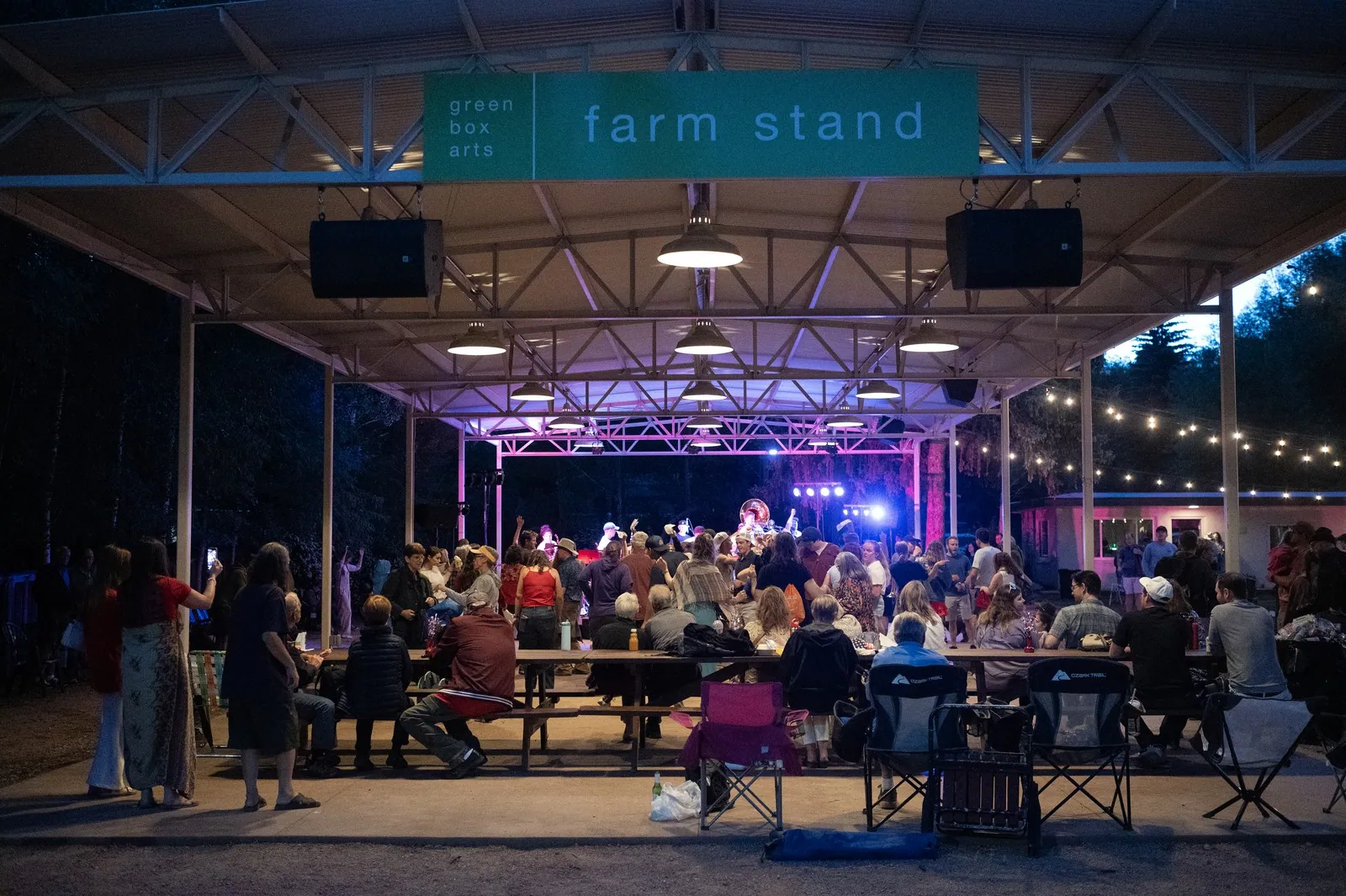
People sitting outside by a stage

Using ShoSoft has allowed us to go from five tools to a single source of truth.

Anna Faye Hunter

Director of Communications and Engagement. Green Box, a nonprofit arts organization in Green Mountain Falls, Colorado

The team moved event scheduling, event work, inventory, and team coordination out of paper binders, Google Calendar, Outlook, and Dropbox.


Frequently asked questions

Questions about your venue?

  • Dates, spaces, people, files, tasks, inventory, workforce and finances, all attached to the event.

  • Self-produced events are events your venue runs from end-to-end, without an external event producer. You sell tickets and manage passes and check-in. A collaborative event is an event with an external producer who handles sales, while your venue provides spaces and resources.

  • Yes. Assign multiple spaces across multiple days and see them in week and day views.

  • Events are unlimited on every plan, including Free. What changes with the plan is the team size and how much workforce, inventory, and vendor detail you can attach to each event. Compare every plan.

Run the whole event from one record

No credit card required

A seated audience facing a lit stage at Magic Box Event CampusA film crew and guests at a bright orange activation setGuests walking through a colorful Makers Studio brand activationA crowd at a night event outside a building lit with a projected messageGuests lining up under rainbow arches at an outdoor activation
A projection-mapped street art exhibition floor at Magic Box Event CampusGuests photographing a corridor of glowing art screensProjection-mapped pillars across the exhibition floor at Magic Box Event CampusVisitors at the ShoSoft booth on a trade show floorA crowd posing for a group photo at Magic Box Event Campus







