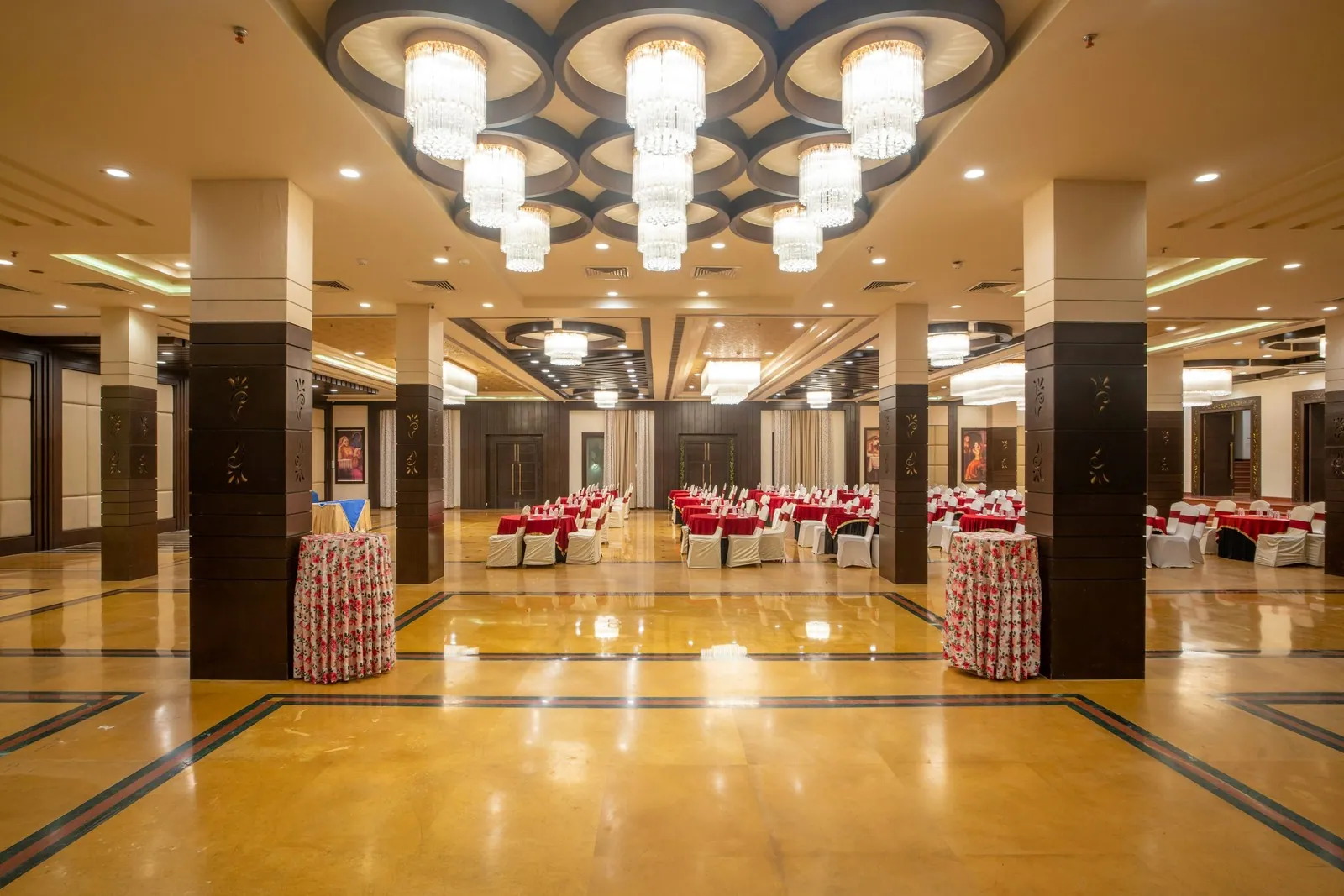

Running bookings for a single room is simple. Once a venue has five rooms, two of which combine into a ballroom and all of which share one kitchen and one loading dock, the calendar has to understand how the building actually works.
Most multi-space venues start with one calendar per room, then add color coding, then add a spreadsheet to track the combinations. By the time the team checks three places to answer whether Thursday is open, the setup costs more time than it saves.
How Do You Manage a Booking Calendar for Multiple Spaces?
Manage a multi-space venue booking calendar by listing every bookable space and combination, linking combined rooms to their parts, adding shared resources like kitchens and docks as bookable items, and showing all spaces on one timeline view. Use the same booking statuses and buffer times in every room, limit who can confirm bookings, and review utilization by space each month.
Map Every Bookable Space First
Start with a list of everything a client can book or an event can occupy. That includes each room, every combination of rooms you sell, outdoor areas, and the spaces events use without renting them directly, such as a lobby for cocktail hour or a green room.
For each one, write down capacity, standard setup time, turnover time and which other spaces it overlaps. A three-section ballroom, for example, becomes four bookable items, the full room and each section, each linked so that booking one blocks the ones it overlaps.
Then add the shared resources that create hidden conflicts.
- A single catering kitchen or prep area
- The loading dock or freight elevator
- Parking lot or valet capacity
- Shared AV, staging and furniture inventory
These rarely appear on room calendars, which is exactly how two events can each look fine on their own and still collide on the dock at 4pm.
Choose a Calendar View That Shows the Whole Building
The most useful view for a multi-space venue is a timeline, often called a resource view, with spaces listed down the side and time running across. It answers the question your team asks most often, which is what is free right now and for how long, in one glance.
Keep a monthly view for sales conversations and a daily view for event leads, but make sure all of them read from the same data. Color code by booking status rather than by room, so a hold looks different from a confirmed event wherever it appears.
Naming matters more than it seems. Use one name for each space everywhere, in contracts, floor plans, the website and the calendar. If the sales team calls it the Loft and the setup crew calls it Room 3, someone will eventually set the wrong room.
Set Booking Rules That Apply to Every Space
A shared calendar works when the rules are the same in every room.
- One set of statuses, from inquiry through confirmed
- Holds that expire on the same schedule everywhere
- Setup, strike and turnover time blocked with each booking
- One or two people allowed to confirm bookings
Give sales and event staff full visibility, and limit who can change confirmed bookings. Many calendar errors at multi-space venues come from a well-meaning person moving one booking to make room for another without seeing what it overlapped.
Measure Utilization by Space
Once every space sits on one calendar, you can see which rooms earn their keep. For each space, divide the hours booked in the last 90 days by the hours it was available to sell. Then divide the revenue it brought in by those same available hours.
Most venues find a wide spread. The main hall might be booked on most prime evenings while a breakout room sits empty more than 80 percent of the time. That smaller room is your opportunity. Packaging it with the main hall, pricing it for weekday meetings or marketing it to smaller groups can add a few thousand dollars a month without adding a square foot.
Split the same numbers by weekday versus weekend and daytime versus evening, and you will see where your next marketing push belongs.
Move to One Calendar This Quarter
Pick a cutover date, enter every future booking and hold into a single calendar with your spaces and combinations already set up, and retire the old calendars that day so nobody keeps editing them. A booking calendar that covers every space, as ShoSoft's does, lets the team see the building as one operation instead of a set of separate rooms.
A venue with many rooms runs best when everyone can see all of them at once.
Frequently Asked Questions
What is a resource view in a venue booking calendar?
A resource view shows each bookable space as a row and time as columns, so you can see every room's bookings side by side for a day or week. It makes gaps, overlaps and turnover windows visible at a glance, which is why many multi-space venues use it as their main working view instead of a standard monthly calendar.
How do you book rooms that can be combined or divided?
Set up the full room and each section as separate bookable spaces, then link them so booking the full room blocks every section and booking any section blocks the full room. Price the combinations separately too. This prevents the most common multi-space conflict, where a section is sold to one client while the full room is held for another.
Can you use Google Calendar for a venue with multiple spaces?
You can, especially with only a few spaces and a small team, by creating one calendar per space and overlaying them. It struggles once you have combinable rooms, shared resources, holds that need to expire, or several people booking at once, because it has no built-in concept of linked spaces or booking status. Many venues outgrow it at that point.
How much buffer time should you leave between bookings in the same space?
Leave enough time to strike, clean and reset the room for the next event, which commonly means 1 to 2 hours for a simple meeting room flip and 3 to 4 hours or more for a large room changing from a wedding to a corporate setup. Time your actual turnovers for a month and use those real numbers instead of estimates.