
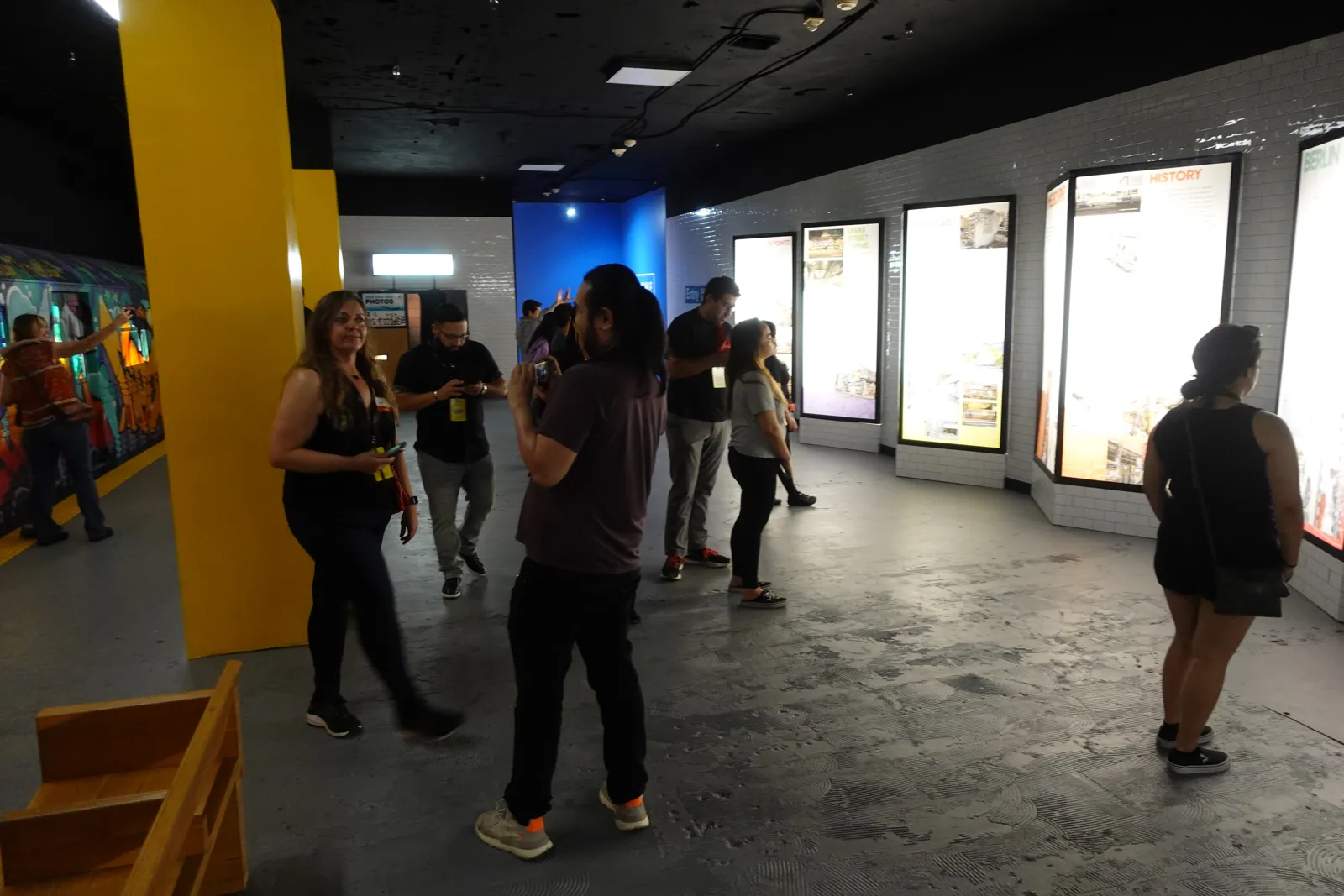
The first ten minutes of an event usually decide how the door feels for the rest of the night. Guests who wait twenty minutes in the cold reach the bar irritated, and the organizer hears about it before the welcome speech.
Most check-in lines come from a desk sized for the total guest count when it needed to be sized for the arrival peak. Fix the sizing, give each person at the door one job and move problems out of the main line, and most doors stop backing up.
What Is a Good Event Check-In Process?
A good event check-in process moves each guest from the door into the event in under a minute. It matches the number of check-in lanes to the busiest stretch of arrivals, gives each lane one simple task and handles exceptions at a separate desk. It also depends on a clean guest list or ticket scan, trained staff and signs guests can read from the back of the queue.
Size the Desk for the Arrival Peak
Guests do not arrive evenly. At a reception or party with a set start time, a large share tends to arrive in the first 30 to 45 minutes. Conferences peak before the first session, and ticketed shows peak in the half hour before the performance.
Three numbers give you the lane count.
- Guests expected in the peak window
- Length of that window in minutes
- Seconds it takes one staffer to check in one guest
Consider a 400-guest gala where you expect about 70 percent of guests in the first 30 minutes. That is 280 guests, or a little over 9 per minute. If a name lookup on a printed list takes about 20 seconds per guest, one staffer handles 3 guests per minute, so you need at least 3 lanes, and a fourth gives you room for couples arriving separately and guests who cannot find their confirmation.
Time your own process before you trust any default. Stand at the desk at your next event with a stopwatch and record twenty check-ins. The real average, including the guest who digs through a bag for a phone, is the number that goes into the formula.
Choose the Right Check-In Method
The method sets the seconds per guest, so it shortens the line as much as staffing does.
Printed guest list
A printed alphabetical list works well for private events of up to about 150 guests. Split it by last name across lanes, such as A to H, I to Q and R to Z, and hang the split on a sign above each lane so guests sort themselves. Keep one master copy at the supervisor's desk.
Ticket or QR scanning
Scanning is fastest when the guest has the code open before reaching the front. The scan itself takes a few seconds, so the slow part becomes guests searching their email. A sign in the queue asking guests to have their ticket ready often helps more than another scanner. ShoSoft's ticket storefront issues QR passes that staff check in from a phone, which suits venues running their own ticketed shows.
Badges
Conferences and trade shows that issue badges should print them ahead and lay them out alphabetically, or print on demand at a dedicated station after a scan. A lane that both looks up names and prints badges slows every guest behind it.
Staff the Door With Clear Roles
Each person at the door should have one job. A typical setup for a large event uses four roles.
- A greeter at the queue who answers questions and points guests to the right lane
- One check-in staffer per lane
- A supervisor at a separate exceptions desk
- A runner who carries badges, wristbands or messages between desks
The exceptions desk keeps the line moving. Any guest who is not on the list, has a misspelled name, has a ticket problem or wants to add a plus-one goes there, and the lane moves on to the next guest. The supervisor needs authority to admit people and a direct way to reach the client's contact.
Set Up the Physical Space
Plan the check-in area on the floor plan well before the event. Lanes need room to queue without blocking the entrance, the coat check or the restrooms. In cold or wet weather, leave space for the line to form indoors.
Mark lanes with signs at eye level that guests can read from the back of the queue, and use stanchions where the line might drift. Put the desk close enough to the entrance that guests see it right away and far enough inside that the queue stays off the sidewalk.
Scanning and badge printing need power and a reliable network. Test the scanners, the printer and the connection during setup, and keep a printed list at every lane in case any of them fail.
Brief the Door Team Before Doors Open
Spend ten minutes with the door team before guests arrive. Walk through the lane split, the exceptions process, VIP arrivals, the bag or coat policy and who to call when something goes wrong. Make sure everyone knows the client contact's name and where the restrooms and coat check are, since those are the questions guests ask most.
Review Every Door After the Event
After each event, record the peak arrival window, the longest wait anyone saw and the number of exceptions. Over a season those numbers show how many lanes each type of event needs. Keep them with the event notes so the next coordinator starts from evidence, and document a smooth door as carefully as a slow one.
Frequently Asked Questions
How many check-in staff do I need per guest?
It depends on how quickly guests arrive and how long each check-in takes, more than on total attendance. As a starting point, work out how many guests arrive in the busiest 30 minutes and divide by how many guests one staffer can handle in that time. Add a supervisor for exceptions and a greeter for any event over a couple of hundred guests.
How early should event check-in open?
Many venues open check-in 15 to 30 minutes before the published start for receptions and 45 to 60 minutes before the first session for conferences. Opening earlier spreads out the peak, but only if the space beyond the door is ready for guests. Make sure the bar or the registration coffee is open when check-in starts.
What should staff do when a guest is not on the list?
Send the guest to the exceptions desk so the lane keeps moving. The supervisor checks for misspellings or a different name on the booking, then contacts the client's designated person if needed. Agree with the client in advance who can approve additions and whether walk-ins are allowed.
Is QR code check-in faster than a printed list?
Usually, as long as guests have the code ready when they reach the desk. A scan takes a few seconds, while finding a name on a list takes longer and gets slower as the list grows. Keep a printed backup either way, because a dead battery or a dropped connection should not stop the door.