
Most event venue operators set up their Google Business Profile once and forget about it. That’s a mistake, because for local search, your GBP listing is often the first (and sometimes only) thing a potential client sees before they decide whether to contact you at all. A few hours of attention here can do more for your inquiry volume than months of social media posting.
Why GBP Matters More for Venues Than Most Businesses
When someone searches “event venue near me” or “wedding venue in [city],” Google’s local results dominate the top of the page, above the organic results, above ads. Your listing determines whether you show up in that pack, and what people see when you do. A well-optimized profile shows your photos, your rating, your hours, and a direct link to your website or booking page. A neglected one shows whatever Google pieced together on its own, which is usually incomplete and sometimes wrong.
For venues specifically, the stakes are higher than for a restaurant or retail shop. A couple or event planner doing research isn’t going to make a single impulsive decision, but they are forming an impression in the first ten seconds. Your GBP listing is part of that impression.
Start With the Basics You May Have Skipped
Log into your Google Business Profile and do an honest audit of the fundamentals. Make sure your business name matches exactly what you use everywhere else online, inconsistencies hurt your local SEO. Your address should be your actual venue address, not a PO box or home office. Set your service area only if you also provide off-site services; otherwise leave it blank. Your phone number should be a direct line, not a general voicemail.
Your business category matters more than people realize. “Event venue” is the primary category to use, but you can add secondary categories like “Wedding venue,” “Banquet hall,” or “Conference center” depending on your mix. These categories tell Google what searches to match you to, so be specific and accurate, don’t add categories that don’t apply just to cast a wider net.
Your hours should reflect when you actually accept tours or inquiries, not when events run. If someone calls during a Saturday evening event, you’re not going to pick up. List your tour or office hours instead.
Photos Are Your Highest-ROI Update
Google’s own data shows that businesses with photos receive significantly more direction requests and website clicks than those without. For venues, this is especially true. A prospective client who can’t visualize your space will not book a tour, they’ll move on to the next listing.
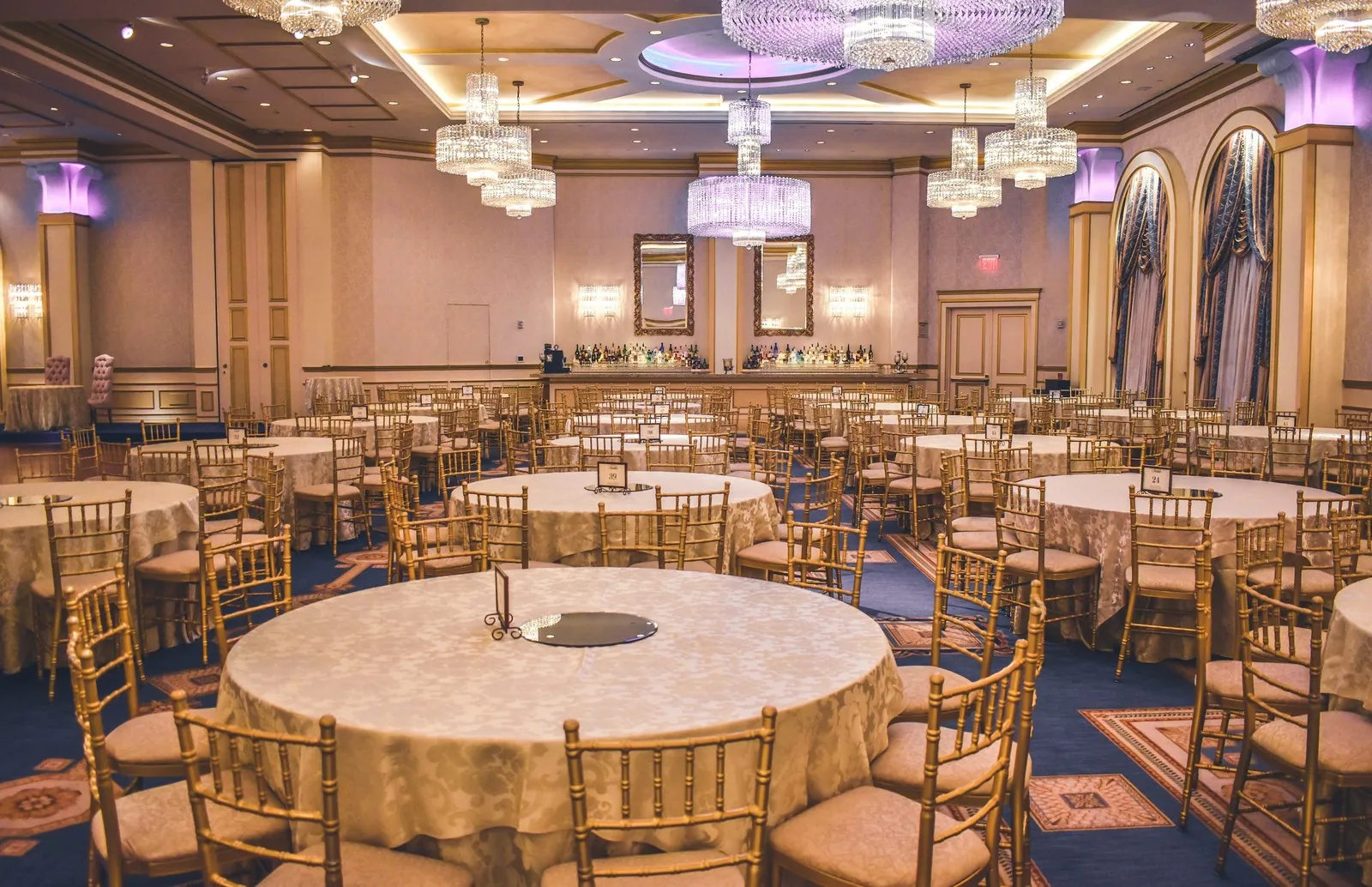
You need at least 20-30 photos, and they should cover every major space in your venue: the main event hall, outdoor areas, bridal suite or prep rooms, restrooms (yes, really), the entrance, and any unique architectural features. Include at least a few photos from actual events, real people in a real celebration make the space feel alive in a way that empty-room shots can’t. Update your photo set at least quarterly, or whenever you host an especially photogenic event.
Don’t ignore the cover photo and logo. These appear prominently across all Google surfaces. Use a wide, horizontal photo of your best space at its most compelling, ideally during an event.
Reviews: How to Get Them and What to Do With Them
Your review count and rating are visible to everyone who finds your listing. They also influence your local ranking. The single most effective thing you can do is build a habit of asking satisfied clients to leave a review right after a successful event, not a week later, not in a mass email, but in the moment when the goodwill is highest.
Respond to every review, positive and negative. For positive reviews, a brief, specific thank-you is enough. For negative reviews, respond calmly, acknowledge the experience, and offer to discuss it offline. Prospective clients read how you respond to complaints at least as carefully as they read the complaints themselves. A measured, professional response to a one-star review can actually build more trust than a wall of five-star ratings with no response.
Don’t try to game the system with fake reviews or review gating. Google’s algorithms catch patterns, and a penalty to your profile visibility is far worse than a handful of mediocre ratings.
The Q&A Section Is Free Marketing You’re Ignoring
Google allows anyone, including you, to post questions and answers on your Business Profile. Almost no venue operators use this feature strategically. You can seed your own Q&A section with the questions you hear most often on tours: “Is there parking on site?” “Do you allow outside catering?” “What’s included in the rental fee?” “Is the venue wheelchair accessible?”
Answering these questions directly in your profile means a potential client who is doing quick research gets useful information without having to contact you first. That lowers the barrier to inquiry. It also positions your listing as more complete and trustworthy than a competitor’s profile with no Q&A content.
Keep It Active With Posts
Google Business Profile lets you post updates, think of them like short social posts that appear directly on your listing in search results. You don’t need to post daily, but a few times a month keeps your profile looking current and gives Google signals that your business is active.
Good content for venue GBP posts: photos from recent events (with client permission), seasonal availability announcements, open house dates, or a link to a new blog post. Keep the text short and action-oriented. The goal is a click to your website or a call, not a lengthy read.