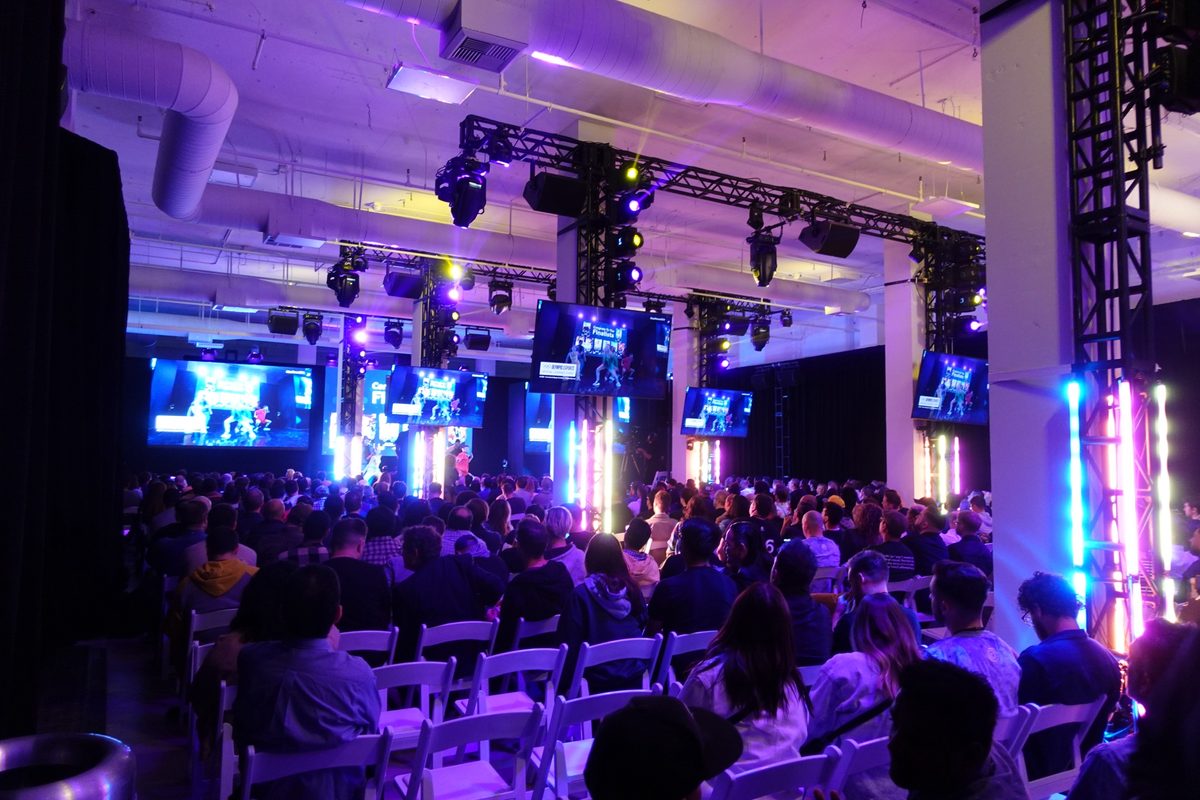

A conference attendee opens a laptop during the keynote, and so do 200 others. Phones refresh, slides sync to the cloud and the speaker tries to play a video. Within minutes the network crawls, and the event's feedback survey will mention it before anything else.
Conferences, hybrid events and exhibitions judge a venue on its Wi-Fi. Knowing how much bandwidth each event needs, and where it goes, lets you plan the network instead of apologizing for it.
What Are the Wi-Fi Requirements for an Event?
Event Wi-Fi requirements depend on how many devices will connect, how many will be active at once and what they will do, from light browsing to video calls and live streaming. Estimate devices from the guest count and event type, estimate the share active at peak, multiply by the bandwidth per user for the expected activity and add dedicated capacity for presenters, production and payment systems.
Two things matter as much as the internet line itself. The access points must be able to handle the number of devices in the room, and the network must keep critical uses separate from guest traffic.
Estimate Devices by Guest Type
Different events bring very different loads.
- Weddings and social events mostly bring phones used for photos and messages
- Conferences bring phones and laptops, often two or more devices per attendee
- Exhibitions add exhibitor demos, card readers and lead-scanning devices
- Hybrid events add streaming, video calls and remote presenter links
Ask the planner early. A conference with an event app, live polling and laptop-heavy workshops needs far more capacity than a sales dinner with the same guest count.
Estimate Bandwidth With a Worked Example
Bandwidth planning is a simple multiplication once you set your assumptions. Here is one example to follow.
Consider a 300-attendee conference. Assume half the attendees are actively online at the busiest moment, each using about 1 megabit per second for email, browsing and the event app. That is about 150 megabits per second for attendees. Add a dedicated connection of at least 10 megabits per second of upload for a livestream and presenter laptops, kept separate from guest traffic.
Then add headroom. Usage spikes during breaks and keynotes, and some attendees will stream video. Planning with generous headroom above your estimate keeps the network usable at the busiest moment.
Your numbers will differ with your audience and how they use the network. After each large event, check your network's peak usage and adjust the assumptions.
Access Points and Coverage
A fast internet line does not help if the access points are overloaded. Each access point can serve only so many active devices well, so a packed ballroom may need several, spread across the ceiling, while a small meeting room needs one.
Ask a network professional to survey your rooms at full occupancy. Bodies absorb wireless signal, so a room that tests well empty can perform worse when full. Plan for the expected crowd.
Coverage also needs to reach the places people gather between sessions, such as the foyer, the registration desk and any patio. Attendees check email at the break as much as in the session, and a dead spot at the coffee station draws complaints quickly.
When to Add a Dedicated Network
Some uses should never share the guest network. Set up separate networks, or separate segments of one network, for these.
- Presenters and AV, so slides and video play reliably
- Livestream and production equipment, with wired connections where possible
- Card readers and point of sale, for security and reliability
- Venue operations, such as staff devices and building systems
Wired connections remain the most reliable choice for streaming, presenter laptops and payment terminals. Offer wired drops at the stage, the production table and exhibitor booths.
How to Price Event Wi-Fi
Most venues include basic guest Wi-Fi in the rental, since clients expect it. Beyond that, many offer paid tiers.
A common structure includes free basic Wi-Fi for general use, an upgraded tier with guaranteed bandwidth and a custom network name, wired connections priced per drop and a dedicated circuit or production network for hybrid and streamed events. Some venues partner with an event network provider who supplies equipment and on-site support for large events in exchange for a share of the revenue. Price each tier from what it costs you, including the circuit, equipment and the time your network partner or staff spends on setup and support.
Put Wi-Fi options in your proposal for every conference, exhibition and hybrid event. Clients prefer to choose a tier before the event over discovering the limit during it.
Prepare Your Network Sheet
Write a one-page network sheet with your internet capacity, access point coverage by room, wired drop locations, available tiers and prices and the contact for on-site support. Share it with planners at the proposal stage and with AV and streaming partners before load-in.
A slow network becomes the story of the event, so settle the plan before the guests arrive.
Frequently Asked Questions
How much bandwidth do you need for a conference?
It depends on attendance, how many devices are active at once and what attendees do online. A simple method multiplies the number of active users at peak by the bandwidth each one needs, then adds dedicated capacity for presenters and streaming plus headroom. Measuring peaks at past events gives the best estimate.
How much upload speed do you need to livestream an event?
It depends on the stream quality and the platform's recommendations. Higher resolution streams need more upload bandwidth, and the connection should have spare capacity beyond the stream's bitrate. Use a dedicated wired connection separate from guest Wi-Fi.
Should venues charge for event Wi-Fi?
Most venues include basic guest Wi-Fi and charge for upgrades such as guaranteed bandwidth, custom network names, wired connections and dedicated networks for streaming. Pricing should cover the circuit, equipment and setup and support time.
Why does Wi-Fi slow down at events?
Event Wi-Fi often slows because too many devices connect to too few access points, or because total demand exceeds the internet line. Packed rooms also absorb wireless signal. Adding access points, separating critical uses onto their own network and increasing bandwidth usually help.