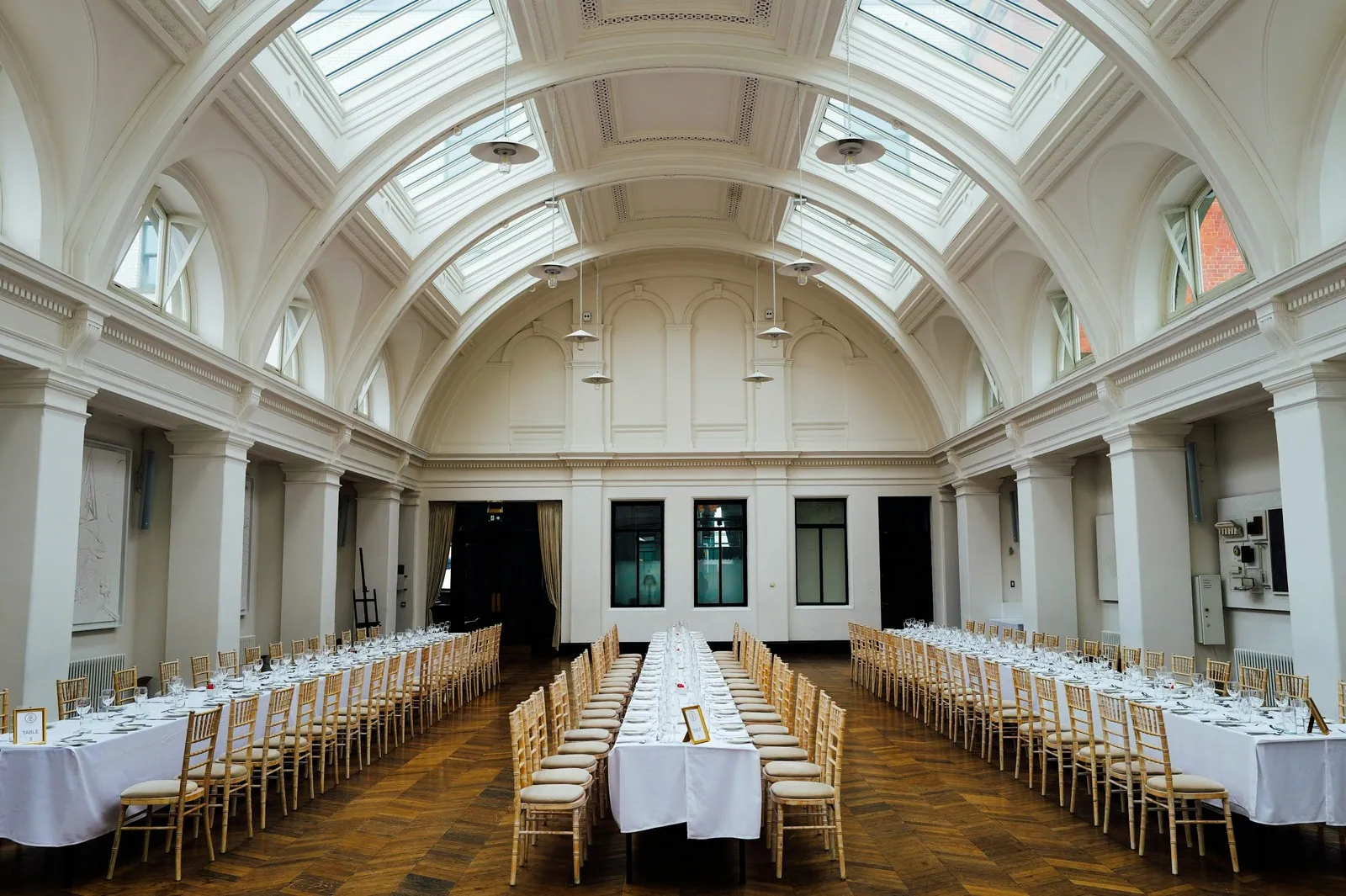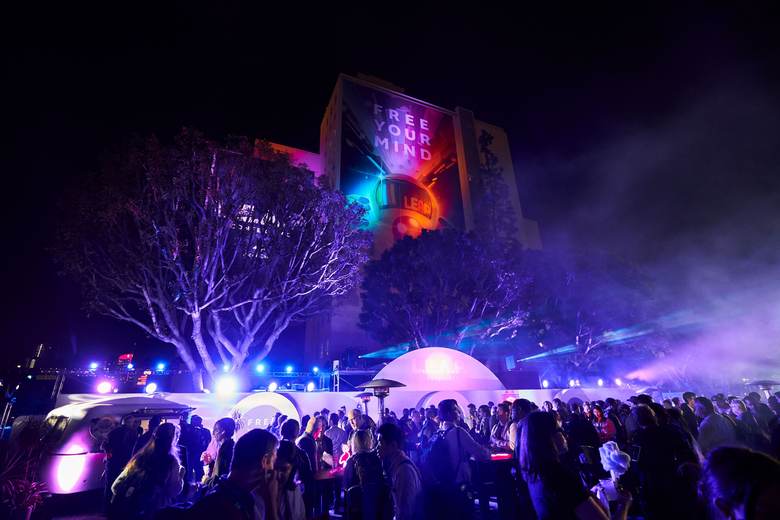


Holiday party season fits a month of events into a few weeks. A venue that hosts one or two events on a normal weekend can face a party every night from the first week of December, with a lunch on some days and two rooms booked on the busiest Saturdays.
The strain comes from stacking parties, with the same staff, linens and glassware cycling through night after night and almost no slack when something breaks. The venues that come through well plan the season as a whole before November starts.
What Does Holiday Season Venue Operations Planning Involve?
Holiday season venue operations planning means preparing the whole season at once, so staffing, inventory, turnover time and client communication can handle the busiest week without improvising. It sits above per-party checklists and pricing. The goal is a season plan that shows every event, every turnover and every pinch point before the first party arrives.
Pricing, packages and the details of each party belong in their own plans. This one covers what has to be true across all of them.
Map the Season Before It Starts
Pull every confirmed and tentative holiday booking onto one view of the calendar, from mid-November to the first week of January. Mark the nights with back-to-back events, the days with two events in one room, and the dates where large parties land close together.
Then look for the pinch points. These are usually the second and third weekends of December, the last workday before the holiday break and any day where a lunch flips into an evening party. Write down for each one what makes it hard, such as a short turnover, a large headcount or a complex build.
Protect a few dates if you can. One quiet weekday mid-season for deep cleaning, repairs and restocking can save the second half of December.
Build a Staff Bench
Your regular team cannot work every night for five weeks. Plan the season's staffing as a bench of people you can call on, larger than your usual roster.
- Ask regular staff for their availability for the whole season now
- Recruit and train extra servers, bartenders and setup crew in October or early November
- Name a backup lead for every night your usual event lead is off
- Agree on maximum consecutive shifts so no one works ten nights straight
- Keep a short list of people who can fill a gap on a few hours' notice
Schedule the season in blocks rather than week by week, and share it early. Staff can plan around a December schedule published in November far better than one posted each Friday.
Check Inventory Against the Peak Night
Inventory that covers a normal weekend often fails on the busiest holiday night, especially when two events need linens and glassware within hours of each other. Check every category against the peak night.
Count tables, chairs, linens, glassware, flatware, serving pieces and decor you supply. Compare each with the largest combined need on any single day of the season, plus the items lost to laundry turnaround and breakage. Order or reserve rentals now for anything short, since rental companies run tight in December too.
Do the same for consumables. Ice, bar stock, cleaning supplies and paper goods run out faster than expected when events stack up, so set standing orders or a mid-season restock date.
Plan Turnovers Between Back-to-Back Parties
Turnovers are where a stacked season breaks down. A lunch that runs long or an evening party that leaves the room late pushes every task after it.
For each back-to-back day, write a turnover plan with the time the first event must clear, who resets the room, what changes between the two layouts and the time the second event's vendors can load in. Put load-out and load-in times on the calendar so everyone sees the window. Build a buffer into each contract by setting firm end times and sharing them in the welcome materials.
Pre-stage what you can. Bagged linens, pre-set glassware racks and a printed floor plan for the second event can shorten the reset noticeably.
Set a Client Communication Rhythm
Holiday clients are often office managers or HR teams planning one party among many tasks, and they appreciate clear steps. A simple rhythm keeps them on track without adding to your inbox.
- At booking, share the timeline for guest count, menu and final payment
- About three weeks out, confirm layout, timeline and dietary needs
- About ten days out, lock the final count and send the balance invoice
- Two days out, send a short confirmation with arrival and parking details
Keep these deadlines firm across the season. If one client's count slides to the last minute, the kitchen and staffing plan for the next three parties slide with it.
Protect Your Team Through the Season
A long holiday season wears people down, and tired teams make the mistakes that turn into bad reviews. Plan rest into the schedule, rotate the hardest closing shifts and feed staff properly on long days.
Hold a short check-in with leads each week during the season. Ask what ran late, what ran out and who needs a night off. Small adjustments in week two prevent a breakdown in week four.
Start Your Season Plan This Week
Put every holiday booking on one calendar view, mark the pinch points and send the availability request to your staff today. Then count your inventory against your busiest night and order the gaps. With those three steps done in early November, December stays busy and manageable.
When the calendar, staff shifts, inventory and event tasks live together, as they do in ShoSoft, the season plan is easier to keep current as bookings change.
The best holiday season is one your team still enjoys by the last party.