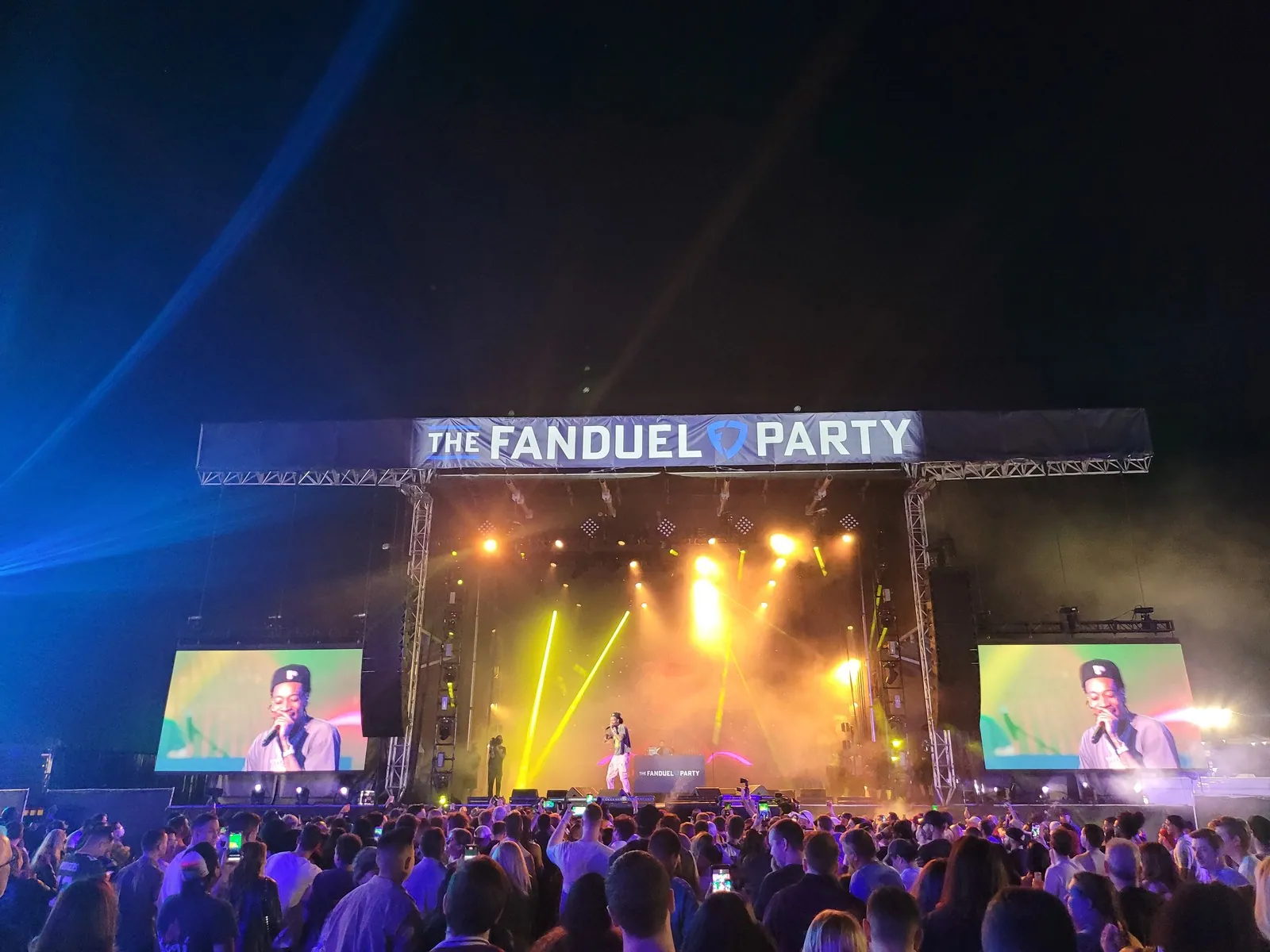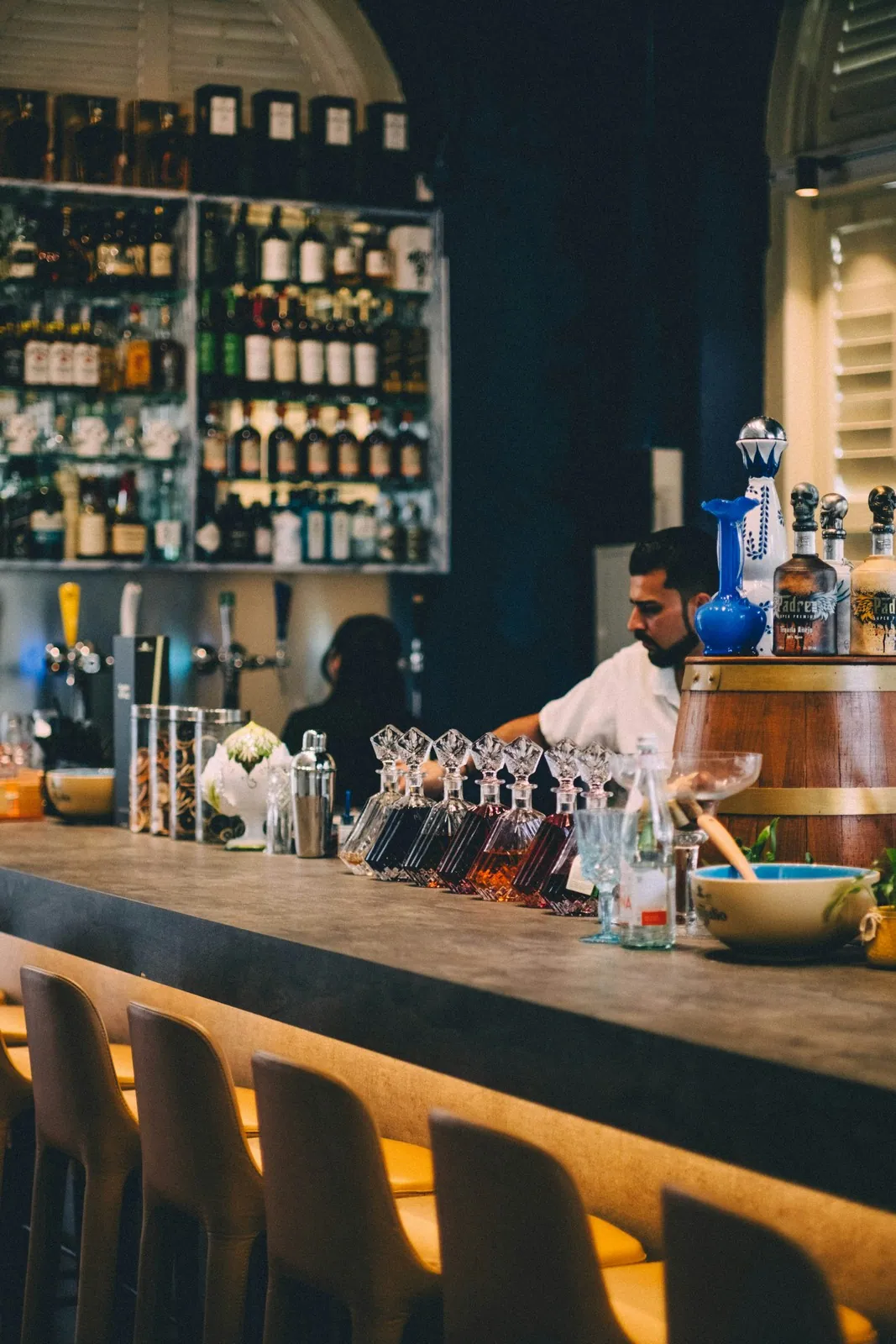

A planner shopping for a venue is doing two things at once: scrolling fast and deciding quickly. On a marketplace like Peerspace or The Knot, they might open a dozen listings in ten minutes and message three. Your listing has a few seconds to earn one of those messages, and most venue listings spend those seconds describing square footage instead of giving the planner a reason to picture their event in your space.
The good news is that listing copy is one of the few high-leverage things you can fix in an afternoon. The room does not change. The photos might already be great. What usually holds a listing back is copy that reads like a real-estate spec sheet when it should read like an answer to the question the planner is actually asking.
What Makes a Good Event Venue Listing?
A good event venue listing leads with the kind of event you host best, answers the planner’s top three questions in the first few lines, and makes the specs they scan for easy to find. The copy should help a planner self-select in or out within seconds, because a qualified inquiry is worth far more than a high volume of vague ones. Everything below serves that goal.
Lead With the Event, Not the Building
The biggest mistake in venue listings is opening with the venue. “A 4,000-square-foot industrial loft in the arts district” tells a planner almost nothing about whether their event belongs there. Open instead with the event you are best at hosting.
“A light-filled loft built for 80- to 120-guest weddings and milestone celebrations” does more work in one line. It names the event type, anchors the capacity, and sets a tone. A planner running a 100-person wedding feels seen. A planner running a 400-person conference moves on, which is exactly what you want, because you just saved both of you a wasted tour.
If your space genuinely serves multiple event types, lead with the two or three you do best and earn the most from, rather than listing every possible use. A listing that tries to be right for everyone reads as right for no one.
Win the First Three Lines
Most marketplaces and search results show only the first two or three lines before a planner has to click “read more.” Treat those lines as the whole pitch.
In that opening, answer the three questions every planner is silently asking:
- What kind of event is this venue for, and roughly what size?
- What is the one thing that makes it special, in plain words?
- Is it in the area and the range I am shopping?
A strong opener might read: “An 1,800-square-foot rooftop with skyline views, set up for 60- to 90-guest cocktail receptions and corporate mixers in downtown. Built-in bar, sound system, and a covered backup space for weather.” A planner knows in five seconds whether to keep reading.
Make the Specs Easy to Scan
After the hook, planners shift into evaluation mode, and now they want hard facts fast. This is where bullets earn their place. Give them the numbers they will otherwise message you to ask for.
- Seated and standing capacity
- Square footage and the key spaces (main room, prep area, outdoor space)
- What is included (tables, chairs, AV, parking, kitchen access)
- Hours and access (load-in time, curfew, overnight rules)
- Pricing structure, even as a starting range
Listing a starting price filters hard, and that is a feature. A planner with a 3,000-dollar budget who sees a 7,500-dollar floor self-selects out before they tie up your calendar. The inquiries that remain are the ones worth your time. This is the same logic behind keeping your inquiry form short: every question you answer in the listing is one less round of back-and-forth after the message comes in.
Order Your Photos to Tell a Story
Listing copy and photos work together, and the order of your images carries as much weight as the words. The standard scanning pattern rewards a deliberate sequence.
Lead with your single strongest hero shot, the one that captures the feeling of an event in full swing. Follow it with one wide shot that shows the true scale of the main space. Then alternate between styled event setups and clean, empty-room shots so a planner can see both what it could look like and what they are actually renting. Close with the practical spaces: parking, prep kitchen, restrooms, load-in.
Captions matter more than operators think. A photo captioned “120-guest wedding, long-table layout” does more than the same photo with no caption, because it ties the image back to the event the planner is trying to picture.
Close With a Clear Next Step
End the listing the way you would end a good first reply to an inquiry, with a specific, low-friction action. “Message us your date and guest count for a same-day availability check and a quick quote” beats “Contact us for more information,” because it tells the planner exactly what to send and what they will get back.
When that message lands, the speed of your response decides everything, so make sure inquiries from your listings route somewhere you actually watch. Venues running everything through one system, where a Peerspace message and a website form land in the same inbox and feed the same calendar, tend to respond faster and convert more of the traffic their listings work so hard to earn.
Audit Your Own Listing Today
Open your current listing and read only the first three lines. If they describe the building instead of the event, if they bury the capacity, or if they could belong to any venue in your city, you have found your highest-leverage fix. Rewrite the opener, reorder the photos, add a starting price, and put a specific ask at the bottom. None of it costs anything, and a sharper listing pays back on the very next planner who scrolls past.